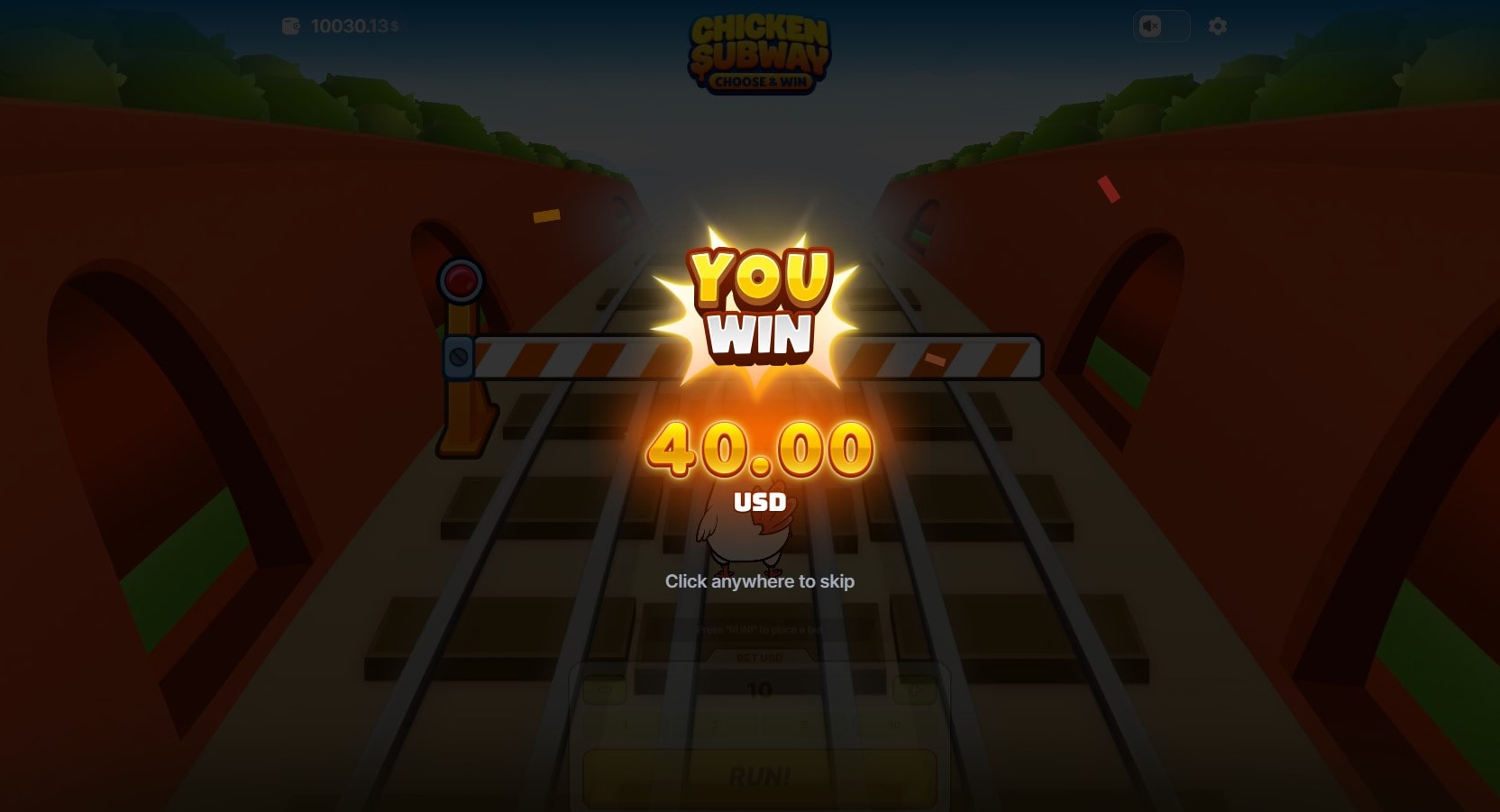
Open the official site
Use a saved, verified operator address rather than a link from an unknown advertisement or message.
Chicken Subway guide
A practical guide to browser play, device preparation and checking any app download carefully before installing it.
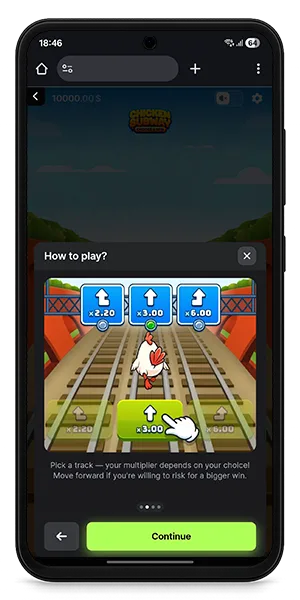
Start in your browser
Many game operators provide a browser-based mobile experience. This can avoid extra storage use and lets you access the current version through your usual browser, subject to operator availability and local law.
| Browser | Use an up-to-date browser and keep your device software current. |
|---|---|
| Connection | Choose a reliable connection before beginning a session. |
| Screen setup | Try portrait or landscape and use the view that keeps controls clear. |
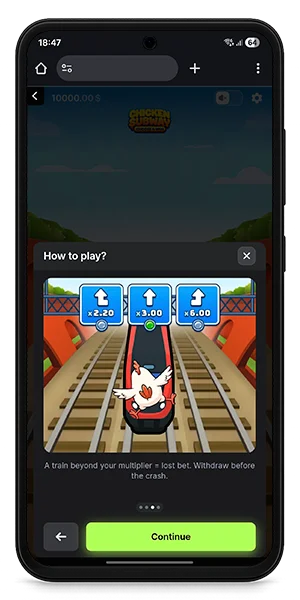
Mobile routine
Use a saved, verified operator address rather than a link from an unknown advertisement or message.
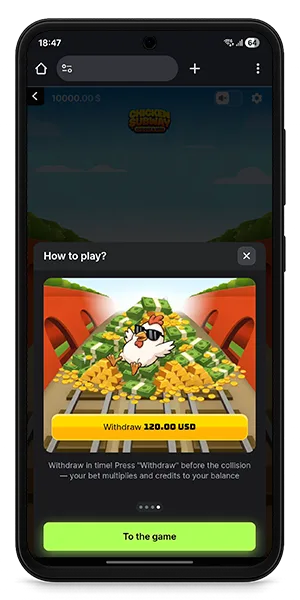
Confirm you can clearly read the stake and cash-out controls before starting any round.
Do not play while driving, walking in traffic, working or doing anything that needs your attention.
About APK files
An APK is an Android installation file. It is not needed for browser play. If an operator offers an application, make an independent choice after checking the source, permissions and terms; never install a file from a third-party file-sharing page.
| Source | Use only a verified official operator source, not a copied or shortened link. |
|---|---|
| Permissions | Review every requested permission and decline anything that feels unrelated. |
| Updates | Know how the application is updated and remove it if you no longer use it. |
Play with care
Mobile access is still gambling. The same budget, time and stop limits apply whether you play on a desktop or a phone.
Ready when you are
Whether you use a browser or a trusted operator app, read the current terms first and only continue if it is legal where you live. Keep your experience entertainment-focused.
Play Chicken Subway now